See and erase what is stored
Your files, models and inference stay on your disk, so there is no account page to visit and no support ticket to file — you remove the data yourself. There is one trap in that, and it is the first step of this page. (If you have paired a second device, sync and messaging do cross the network, and that page covers what a relay sees.)
There are two stores, and neither can delete the other
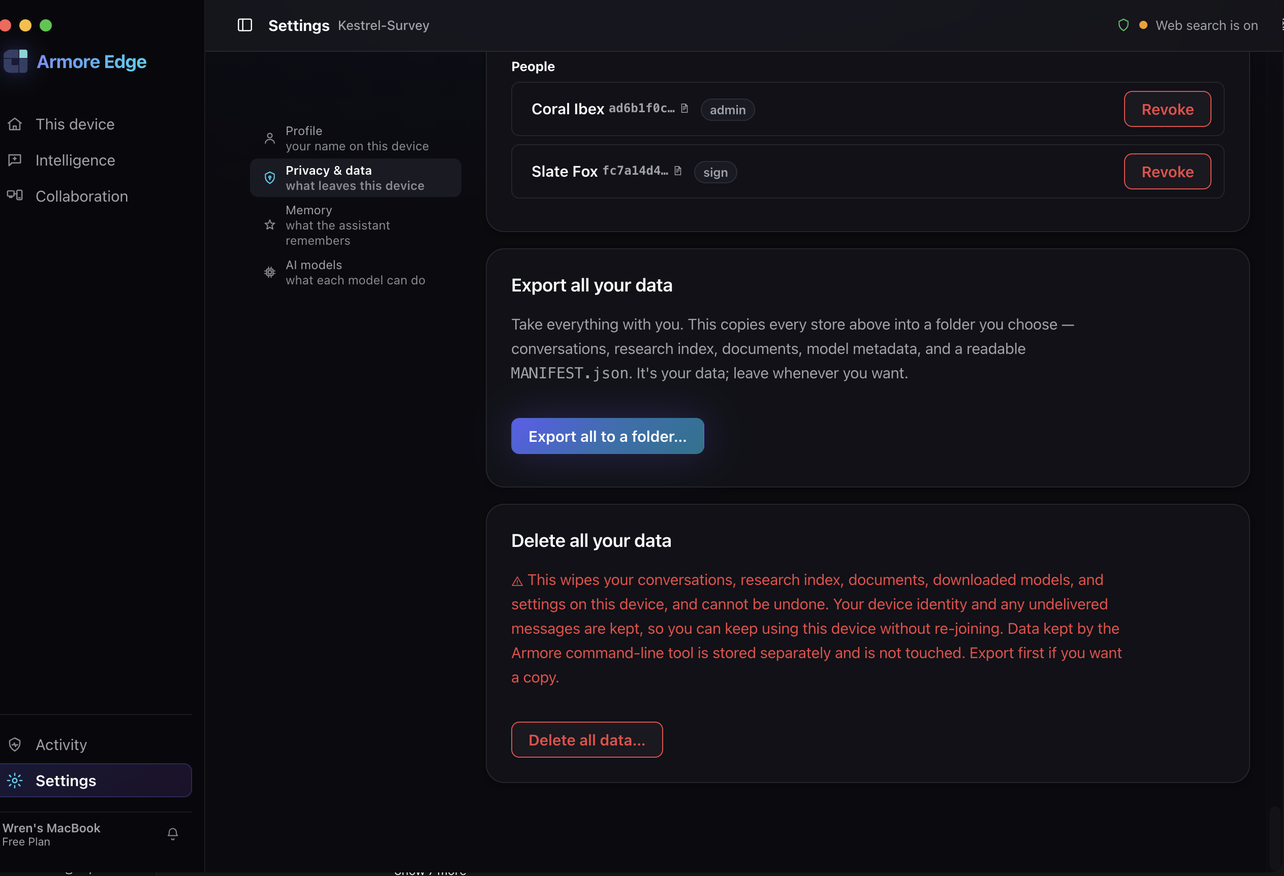
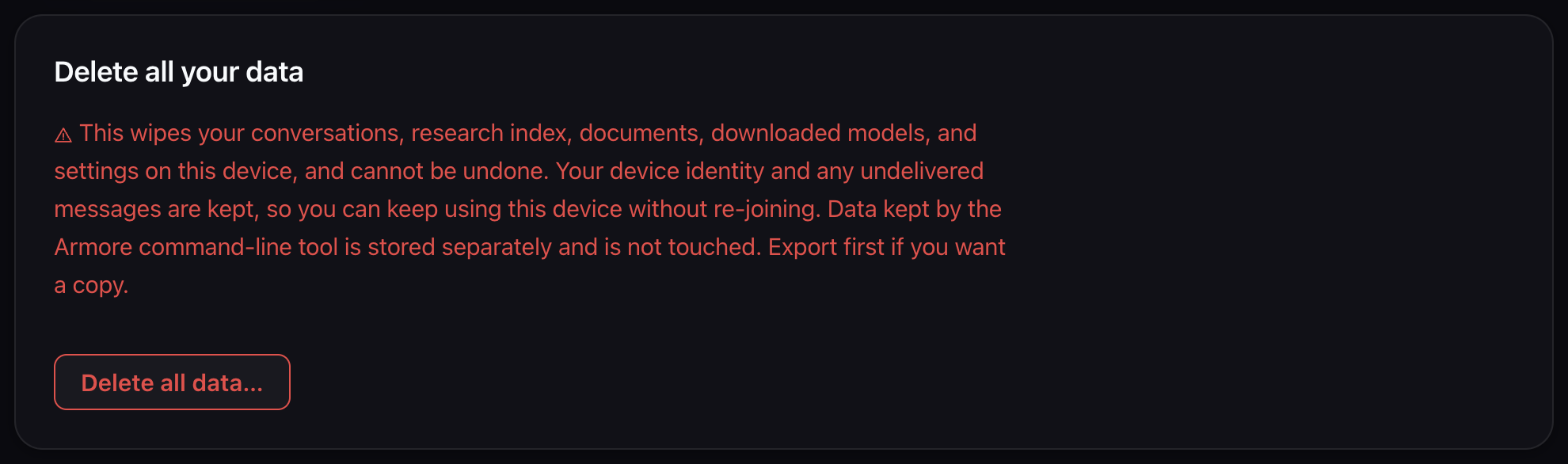
The app's Privacy & data screen is one of the two stores. It exports or erases everything it holds — and nothing the command-line tool holds. If you have only ever used the app, this is the whole story, and the rest of this page is optional.
The desktop app and the command-line tool keep their data in separate directories. The CLI's own help is unambiguous about what that means:
“The desktop app's ‘Delete ALL on-device data’ is scoped to the APP's directory and cannot reach the CLI's — the roots are disjoint. This is the CLI's own surface for its own data, including the key that seals your file store.”
| If you used | Erase it with |
|---|---|
| the app | the app's “Delete ALL on-device data” |
| the CLI | armore privacy purge --yes |
| both | both. Neither is sufficient alone. |
Inventory the CLI's data
armore privacy list walks every store the CLI knows how to create and
reports each one — including the ones that do not exist. Its help
explains why: “Absent stores are LISTED, not hidden — the full surface is the honest
answer, and ‘nothing here yet’ is information.”
$ armore privacy list
absent: [{"key":"memory",…},{"key":"msg",…}]
present: [
  {"key":"file-store","size_bytes":1252,"irreversible":true, …},
  {"key":"identity","size_bytes":3878,"irreversible":true, …},
  {"key":"serve","size_bytes":219,"irreversible":false, …},
  {"key":"mcp","size_bytes":0,"irreversible":false, …}
]
roots: ["/Users/you/.config/armore"]
total_bytes: 5349
unreachable: []
note: These are the CLI's own stores. The desktop app keeps SEPARATE data under its
      own directory; this command neither reads nor removes it.
There are six possible stores. These are the tool's own descriptions of them:
| Store | What it holds | Irreversible |
|---|---|---|
| file-store | Encrypted file store, including epoch.key — the 32-byte symmetric
key that seals every file in it | Yes |
| identity | This device's identity: member-root seed, enrollment record, device certificate | Yes |
| msg | Signed message threads (the durable outbox) and the Ed25519 seed that authors
them — the directory, not just thread.db | Yes |
| memory | On-device semantic memory — the notes you asked the CLI to remember, with their embeddings | No |
| serve | Serve front-door registry: which local services are published and which peers are granted | No |
| mcp | Installed connector configurations | No |
file-store and
epoch.key goes with it, which means files sealed in that store can never
be opened again — by you or anyone. Delete identity and this device is no
longer the device your workspace certified; re-joining is a fresh enrolment.
Take a copy out first
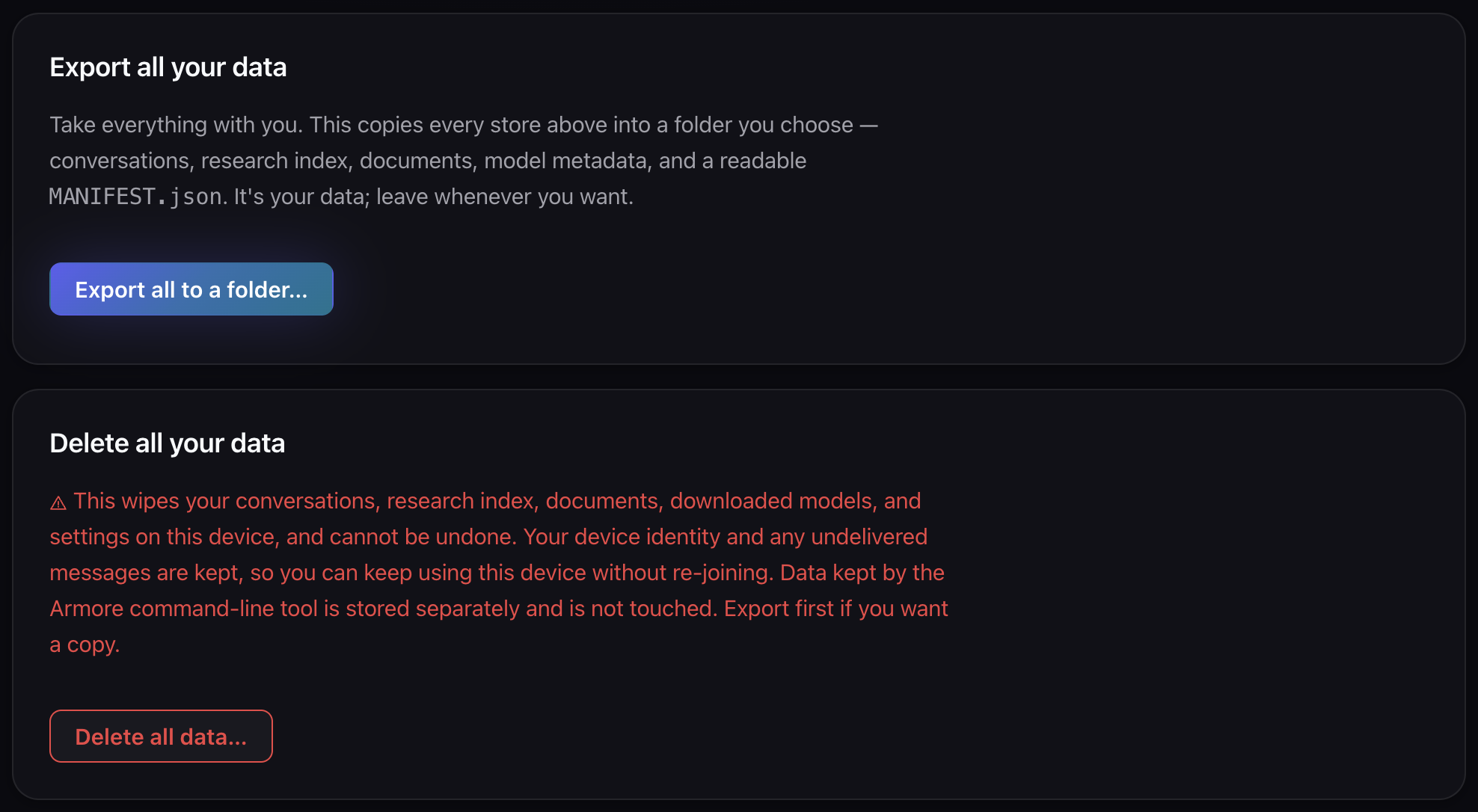
MANIFEST.json” — the app's own framing
is “It's your data; leave whenever you want.” The two controls sit
together, which is worth knowing before you press the lower one.
export copies every store into a directory you name, one numbered
subdirectory per store. It is a plain file copy, not an archive format you need our
software to read:
$ armore privacy export --out ~/armore-export --json
{
  "command": "privacy.export",
  "copied": [
    {"files":3,"key":"file-store","from":"…/.config/armore/file-store",
     "to":"/Users/you/armore-export/0-file-store"}
  ],
  "note": "CLI stores only. The desktop app's data is exported separately by the app.",
  "ok": true,
  "out": "/Users/you/armore-export"
}
What lands in 0-file-store/ is the real thing: the chunk directories, the
manifests/, and epoch.key. Which is the point — a copy of a
sealed store without its key would be a copy of nothing. You can confirm the export is
a working store rather than an opaque blob by pointing the tool straight at it:
$ cp -R ~/armore-export/0-file-store /tmp/restored
$ armore files get notes.txt --store /tmp/restored --out /tmp/notes.txt --json
{
  "command": "files.get",
  "file_id": "notes.txt",
  "ok": true,
  "plaintext_blake3": "69879e7f90b4913dbccabbc84495ca835494b02798e36c05bac386e8801f58b9",
  "total_size": 45,
  "verified": true
}
# and /tmp/notes.txt is the original plaintext
Erase it
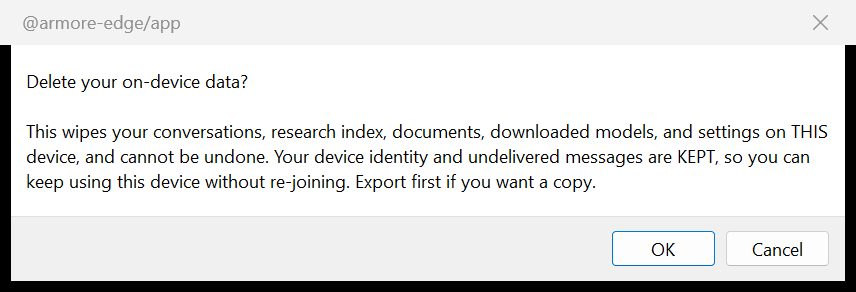
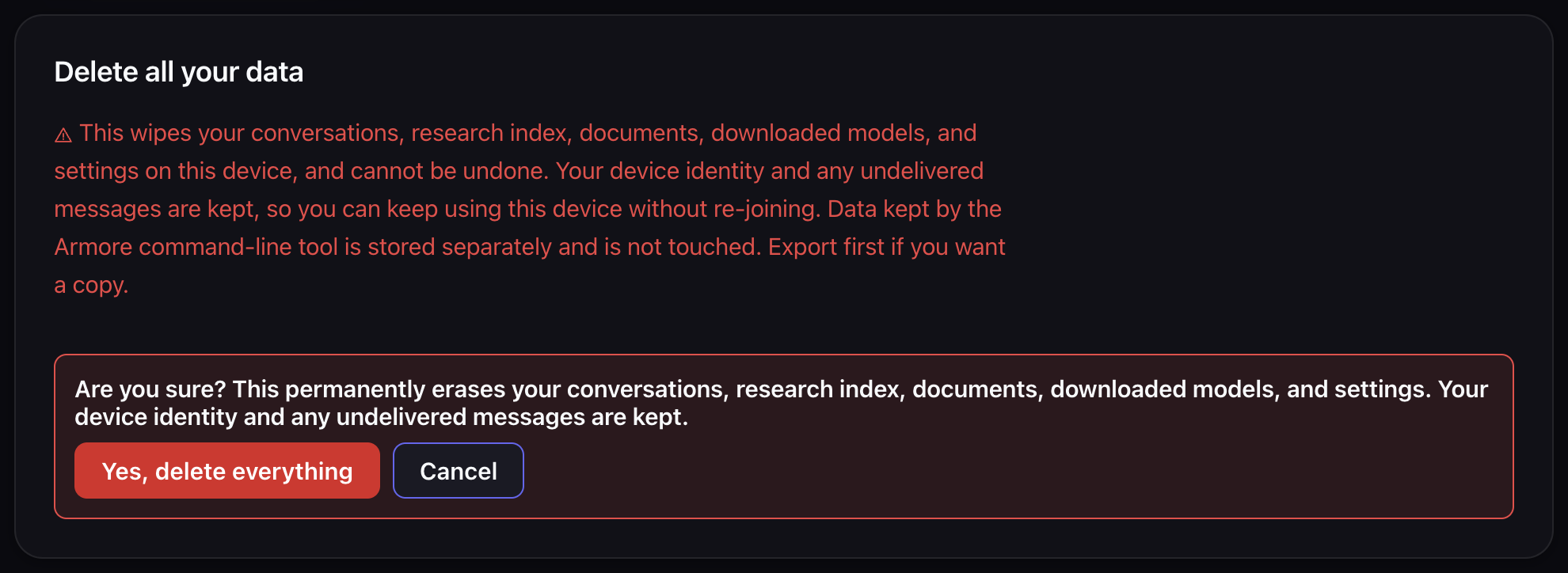
armore privacy purge, armed. It asks once
more and repeats the exception in the confirmation itself —
“Your device identity and any undelivered messages are kept.” That is
the last thing on screen before the irreversible button, which is where it
belongs.
purge deletes every store under the config root. Run it without
--yes first — it then reports what it would delete and exits
non-zero, which is the safe way to find out what you are about to lose:
$ armore privacy purge
error: refusing to purge without --yes. This WOULD permanently delete 1 store(s)
 (1271 bytes) across 1 config root(s): …/file-store. It would NOT remove
 /Users/you/.config/armore — outside every config root; see `armore privacy list`.
 Irreversible: files sealed in the file store become unopenable once epoch.key is
 gone. Re-run with --yes.
# exit 1
The help is blunt about why the flag exists rather than being assumed: “once gone, files sealed in that store cannot be opened again by anyone, including you. That is the point of the command.”
When the dry run says what you expect, and only then:
$ armore privacy purge --yes --json
{
  "command": "privacy.purge",
  "deleted": [{"key":"file-store","path":"…/file-store","size_bytes":1271}],
  "ok": true,
  "roots": ["…"],
  "scope": "The CLI's own stores under the listed roots. The desktop app's data is
             NOT touched by this command and must be removed from the app."
}
And the data is gone, not hidden:
$ armore files ls --json
{"command":"files.ls","count":0,"files":[],"ok":true,"store":"…"}
Scoping, and the one place people lose data
All three subcommands take --config-dir, and the CLI also honours
$ARMORE_CONFIG_DIR. Useful if you keep separate homes for separate work —
and a real hazard, because a purge only ever touches the home you named.
The tool handles this better than most: when a default home exists but is out of scope,
it says so in an unreachable block, and hands you the exact command for it:
$ ARMORE_CONFIG_DIR=/tmp/scratch armore privacy list --json
"unreachable": [
  {
    "key": "config-home-out-of-scope",
    "path": "/Users/you/.config/armore",
    "size_bytes": 5349,
    "why": "The per-user config home this CLI would use by DEFAULT. It is not in
            scope because $ARMORE_CONFIG_DIR (or --config-dir) names a different
            home, and this command never erases outside the home you named.",
    "remove_it_yourself": "armore privacy purge --yes --config-dir /Users/you/.config/armore"
  }
]
unreachable before you believe you are done. An empty
unreachable list is the only version of “that was everything” worth
trusting. A purge that reported a non-empty one left data behind — by design, and it
told you where.
One thing it cannot tell you about is the app. The app's root is not merely out of scope, it is invisible to this command. Erase that from the app's own Delete ALL on-device data, and treat the two as two jobs.